BMW Fullscreen CarPlay — Use the Whole Screen
On many BMWs with the 10.25" widescreen, CarPlay opens in a smaller window with a BMW panel beside it. Where your software supports it, we set CarPlay to fill the full width of the display.
Included with CarPlay activation on supported cars · from €150
In person across Dublin, Kildare, Wicklow & Meath · remote across Ireland
BMW’s widescreen displays are wide and short, and on NBT Evo cars CarPlay often appears as a box with a strip of BMW information next to it. Maps and album art end up smaller than they need to be.
On supported builds the CarPlay view can be switched to use the whole display. Whether your car supports it depends on the head unit and its software level — some ID5 cars need the ID6 software update first. We check this from your VIN before you book, and if fullscreen is not possible on your build we say so.
Cars with the smaller 6.5" or 8.8" screens already use most of the display for CarPlay, so fullscreen is mainly relevant to the 10.25" widescreen.
What changes
- CarPlay across the full width of the widescreen display, where supported
- Larger maps, album art and messages
- Works with wired or wireless CarPlay, whichever your car has
- Done together with CarPlay activation, or on cars that already have CarPlay
Where it applies
- NBT Evo with the 10.25" widescreen (F-series, roughly 2016–2019)
- ID5 software may need the ID6 update first (+€50)
- iDrive 7 (MGU) already shows CarPlay large; split-screen options vary by version
- Exact support confirmed from your VIN
Real work, real cars
Photos from jobs we have completed — not stock images.
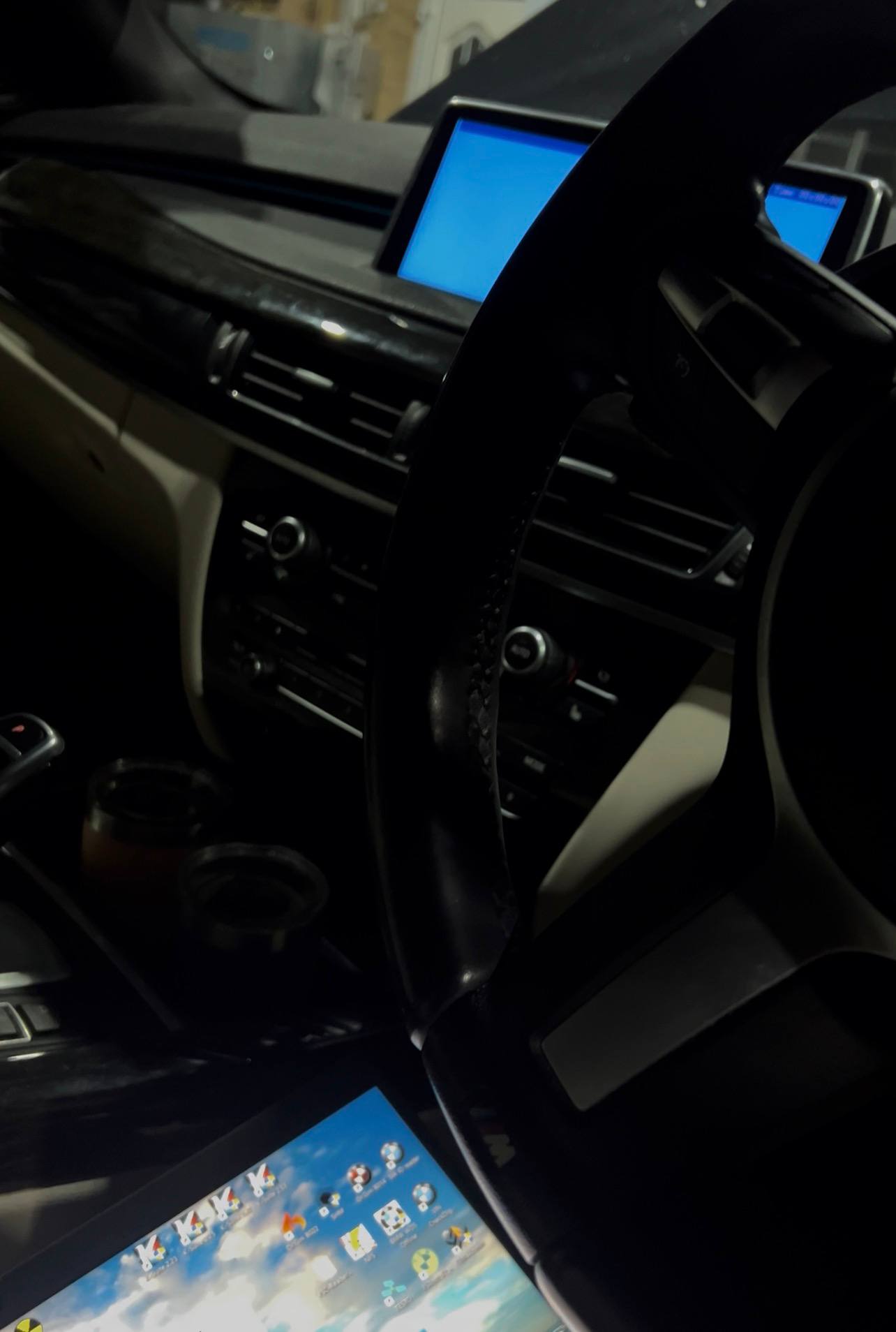
F15 - iDrive Update and CarPlay Activation
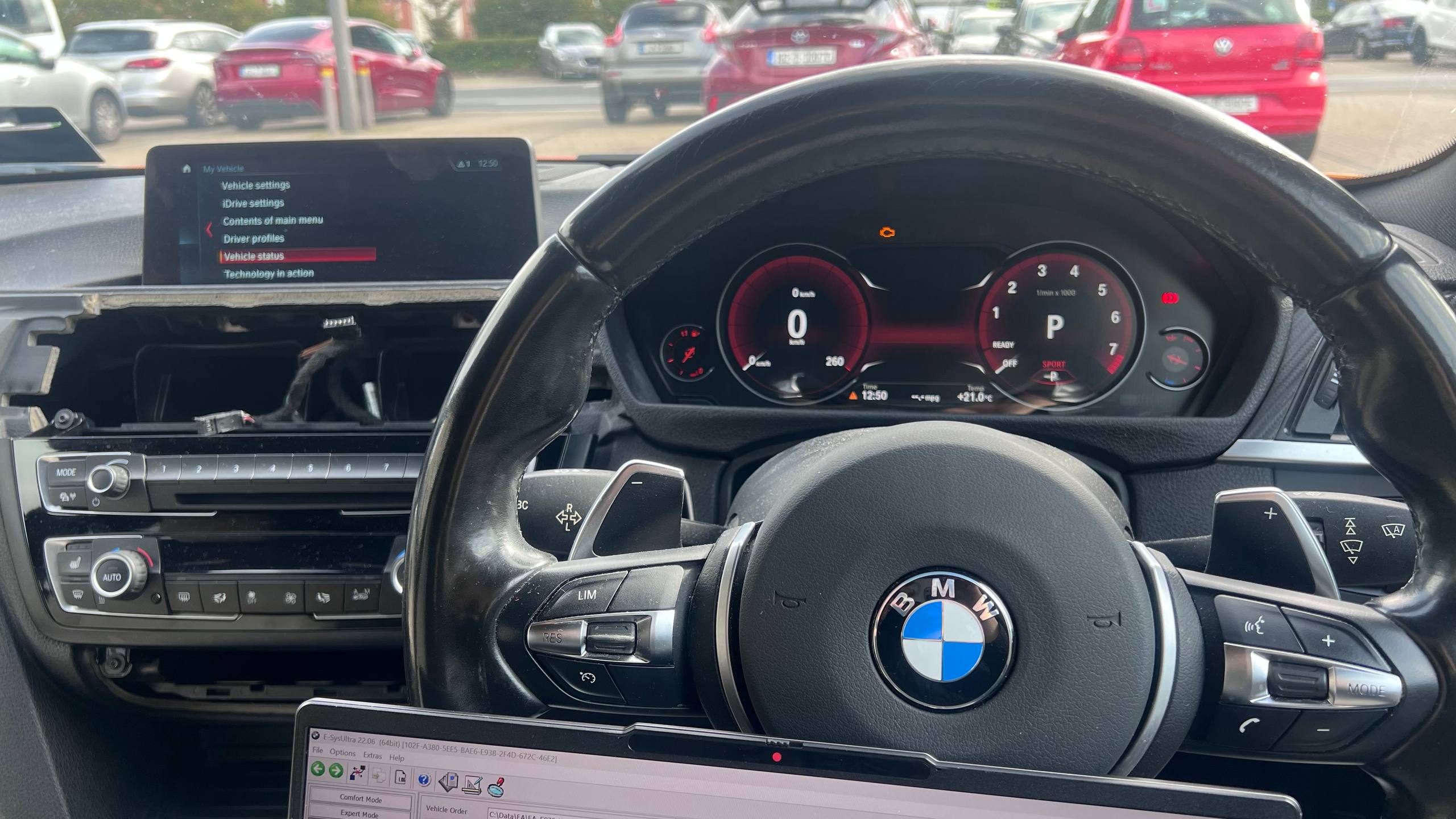
F36 ID4 to ID6 update + Fullscreen Apple CarPlay + 6WB cluster retrofit
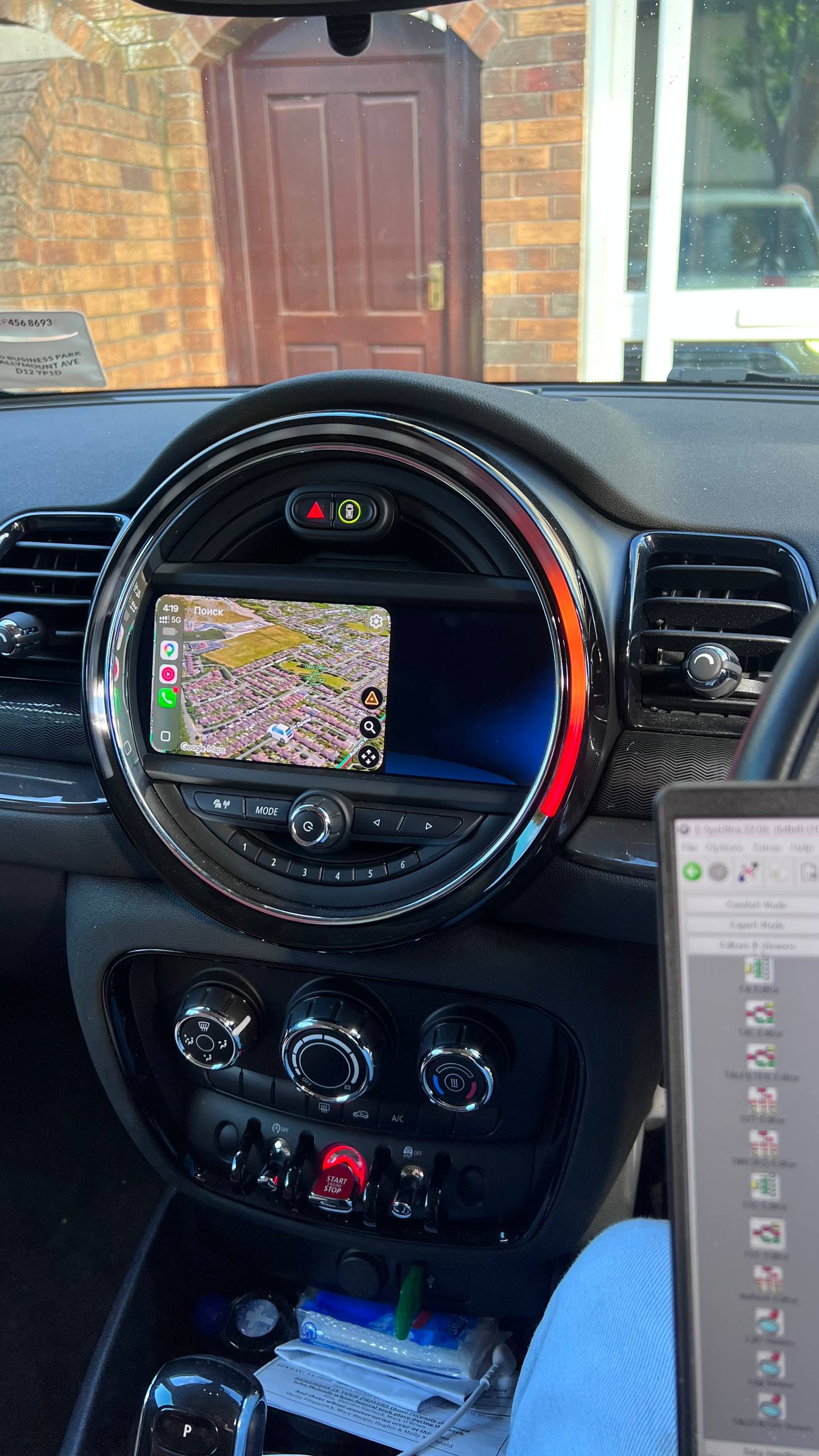
F54 Japan to EU conversion + CarPlay activation
How it works
Send your VIN
We check the head unit, screen size and software level.
Update if needed
If your software is too old for fullscreen, we tell you what it takes before booking.
Activate and set fullscreen
Remote over ENET or at your car around Dublin.
Check it on your phone
We test it with your iPhone before you pay.
Frequently asked questions
Why is my CarPlay only in a small window?
On NBT Evo widescreen cars BMW shows CarPlay in a window by default. On supported software it can be set to fill the whole display.
Does fullscreen CarPlay work on every BMW?
No. It depends on the head unit, the screen and the software level. Your VIN tells us whether your car supports it, and we will not book work that cannot be done.
I already have CarPlay. Can you just make it fullscreen?
Often yes. Send your VIN and a photo of the CarPlay screen and we will confirm what is needed and the price.
What is possible depends on your exact model, year, head unit (NBT, NBT Evo or MGU) and software version, plus any installed hardware. We confirm compatibility from your model, year and VIN before any work starts.
Related BMW services
Ready when you are
Send your model, year and what you want — we’ll confirm what’s possible and the price up front.